
Subscribing to IPTV in the UK is simpler than most people expect, but the order matters: check your connection first, pick the device, test the service free, then pay. This guide walks through the whole process step by step, so you know exactly what happens between choosing a provider and watching your first live channel.
Next step: see how the 24-hour IPTV free trial works, or compare our IPTV subscription plans and UK prices. New to Phoenix 4K? Start with our UK IPTV subscriptions overview.
How to Subscribe: Nine Steps
1. Check your internet connection
IPTV streams live television over your broadband, so the connection comes first. As a practical starting point, allow about 15 Mbps for HD and 25 Mbps for 4K on each stream you watch at the same time. Run a speed test near your television during the evening, when the household network is busiest, and note whether the result is steady as well as fast. A stable connection matters more than an impressive headline number.
2. Choose the device you will watch on
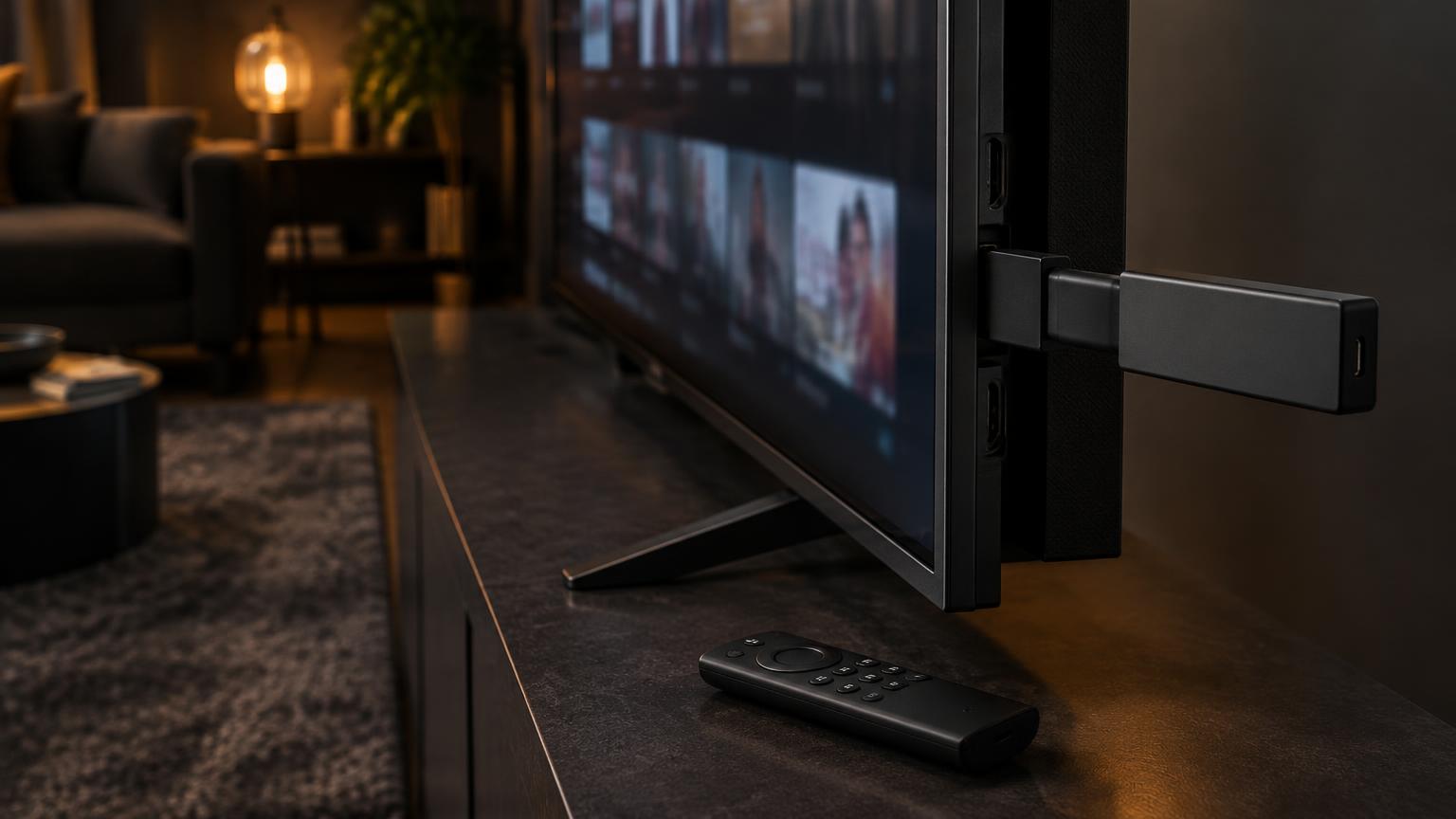
An IPTV subscription works on the devices you already own: an Amazon Fire TV Stick, Android TV or Google TV, a Samsung or LG smart television, a Windows or Mac computer, a phone or tablet, or a set-top box such as a MAG or Nvidia Shield. Most people pick one main screen for the living room and keep a second device for travel. Decide now, because activation usually asks for details about that device.
3. Choose a provider carefully
Look for clear signs of a serious service before you pay: an easy way to contact support (ours is WhatsApp, answered 24/7), a written refund policy, an explanation of how the trial works, and realistic promises rather than guarantees that streaming can never pause. Be cautious with sellers who hide behind a social media account, refuse to say which apps the service supports, or ask for payment through unusual routes.
4. Test the service with a free trial
Never subscribe blind. A proper trial runs on your own connection, your own device and at your usual viewing hours, including a busy evening. Our 24-hour trial needs no card: message us on WhatsApp, receive your login details, install the player and test 23,000+ live channels, 150,000+ movies & series, the TV guide (EPG) and replay on your setup. If anything is unclear, support is on the same chat.
5. Pick the right plan length
Plans are priced by term. Our 4K plans start at £29.99 for three months, £44.99 for six months and £59.99 for twelve months; 8K plans are £39.99, £54.99 and £74.99 for the same lengths. Each plan includes one connection, the full channel and film library, EPG and replay, and WhatsApp setup help. If you are new, a shorter term is a sensible start, then move to twelve months once you know the service suits you.
6. Install a player app
An IPTV subscription needs an app that plays the stream. Popular choices in the UK include IBO Pro Player, IPTV Smarters Pro and TiviMate; some smart televisions use apps such as Smart IPTV. Each app has a different setup: some ask for a playlist link or Xtream login, others for a device key or MAC address. Our setup guides cover Fire TV Stick, smart televisions and IBO Pro Player step by step, and WhatsApp support walks you through any app we support.
7. Send your device details for activation
After you order, activation is usually a short conversation rather than a waiting list. Send the device details the player asks for, such as the device key or MAC address shown in the app, and your subscription is linked to that device. Keep these details private: they are your access to the service and should not be shared, because most plans are priced per connection.
8. Test everything before you settle in
On the first evening, check the things that matter rather than flicking at random: your usual live channels, a match or film in the picture quality you expect, the EPG grid, and replay for a programme you missed. Try peak time as well as daytime. If a channel will not open, tell support the channel name, time and device so it can be checked quickly.
9. Keep a record of your details
Save your login, the app you installed and your plan end date somewhere safe, and note the renewal date so you are not caught out. Most subscriptions renew by buying a new term rather than a contract, so you stay in control of what you pay for. If you change device later, support can move your subscription with a few details.
Is IPTV Legal in the UK?
Internet Protocol television is a delivery method, not a product: any television service streamed over the internet is IPTV in the technical sense. That is why the answer to legality depends on the service you choose rather than the technology.
Legitimate services have permission to distribute the channels and films they offer. Services that sell access to premium UK and international channels for a few pounds a month usually do not, and using them carries real risks: sudden shutdowns, lost payments and no support when something breaks. We only offer content that our suppliers are licensed to distribute, and we encourage every viewer to do the same. If a deal looks impossible to be true, that is usually the clearest sign.
If Something Buffers After You Subscribe
Occasional buffering is almost always caused by the connection, the device or a busy evening network rather than the subscription itself. Work through the basics before contacting support: restart the router and the streaming device, pause other large downloads, use an Ethernet cable for the test if you can, and clear the player app's cache. Compare another app on the same device so you can tell your provider exactly where the fault sits.
For a full walkthrough, read how to fix IPTV buffering, and see why IPTV lags if playback feels slow rather than stopped. When you do contact support, include the channel, the time and the device you were using: those three details make the answer much faster.