
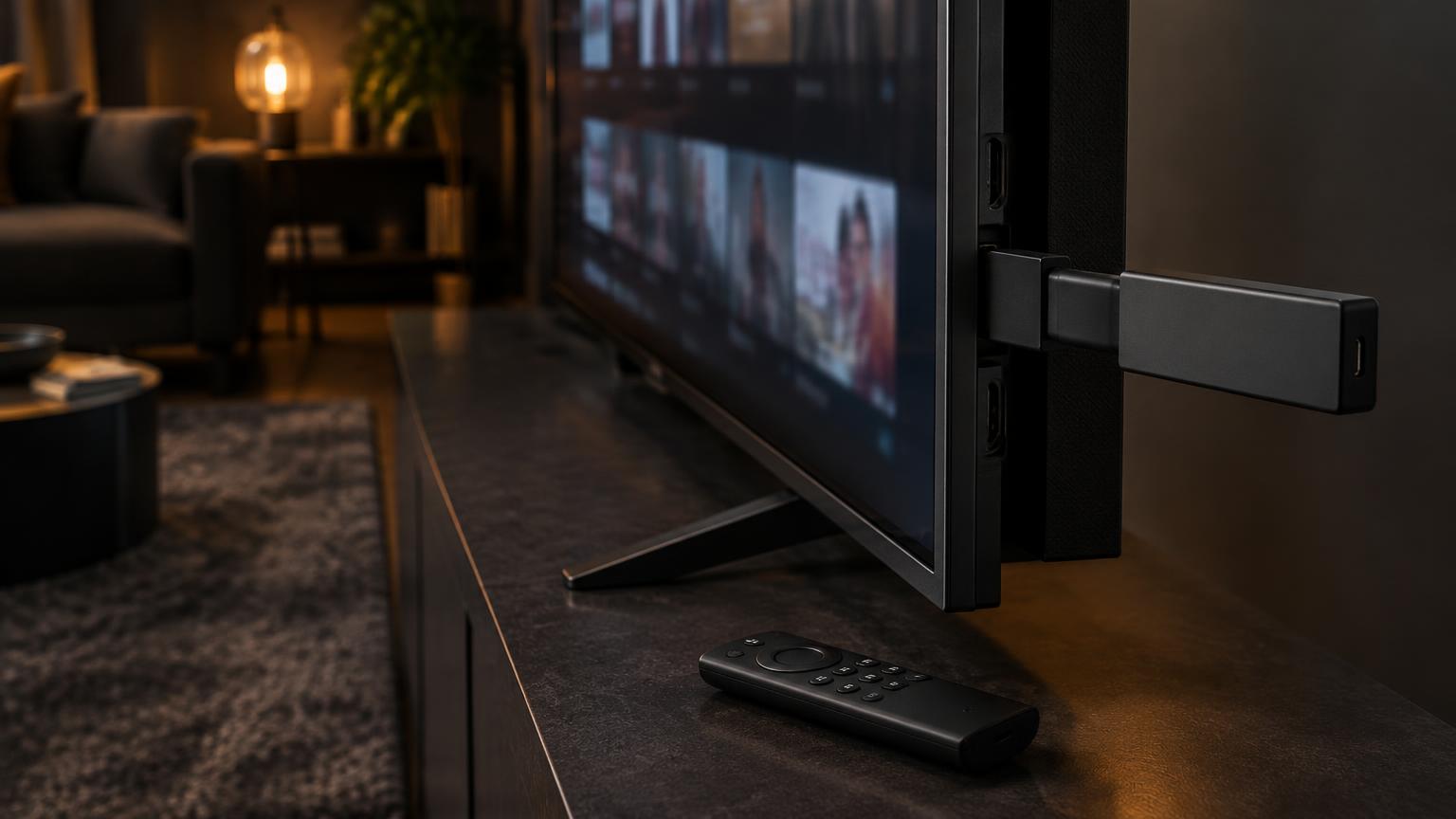
IPTV Smarters Pro is one of the most popular IPTV player apps for Amazon Firestick. It is a player only, which means it does not include any channels by itself: you log in with the details from your IPTV provider. The app is not always listed in the Amazon Appstore, so the easiest way to get it is with the free Downloader app. This guide shows you how, step by step, in about 5 minutes.
What You Need Before You Start
- An Amazon Firestick (Fire TV Stick Lite, HD, 4K or 4K Max) connected to Wi-Fi
- Your Firestick remote
- Your IPTV login details (username, password and server URL) from your provider
Step 1: Install the Downloader App
Go to Find > Search on your Firestick home screen, type "Downloader" and install the free Downloader app (orange icon). Open it once so it is ready.
Step 2: Allow Apps From Unknown Sources
Go to Settings > My Fire TV > Developer Options > Install Unknown Apps and switch Downloader to ON. If you cannot see Developer Options, open Settings > My Fire TV > About, then press OK on the device name 7 times to unlock it.
Step 3: Download IPTV Smarters Pro
Open Downloader, click the URL box and type: iptvsmarters.com/smarters.apk then select Go. Wait for the file to download. Always use the official link so you get the genuine app.
Step 4: Install and Open the App
When the download finishes, select Install, then Done (or Open). Once installed, you can delete the APK file to free up storage. Press and hold the Home button, then add IPTV Smarters Pro to your home screen apps row for quick access.
Step 5: Log In to Your IPTV Service
Open IPTV Smarters Pro, accept the terms, then choose Add New User and select "Login with Xtream Codes API". Enter any name, then your username, password and server URL exactly as sent by your provider. Select Add User and wait a few seconds while your channels, movies and series load.
Common Problems and Quick Fixes
- Install blocked: make sure Downloader is switched ON under Install Unknown Apps.
- App will not open: restart the Firestick (Settings > My Fire TV > Restart) and try again.
- Login error: re-check username, password and URL for typos and extra spaces.
- Not enough storage: delete unused apps and the downloaded APK file.
- Buffering or freezing: use a strong Wi-Fi signal or an Ethernet adapter. buffering fixes
Don't Have an IPTV Service Yet?
Want to try before you buy? Get a 24-hour free trial from PHEONIX 4K and test our 4K channels, sports and on-demand library on your Firestick.
Claim Free Trial